





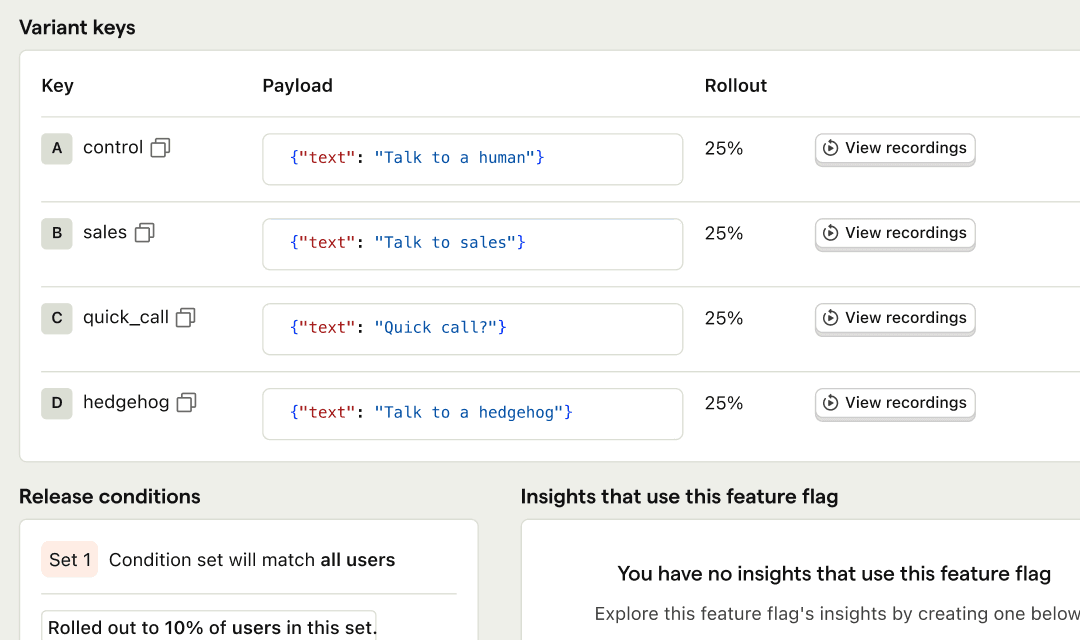
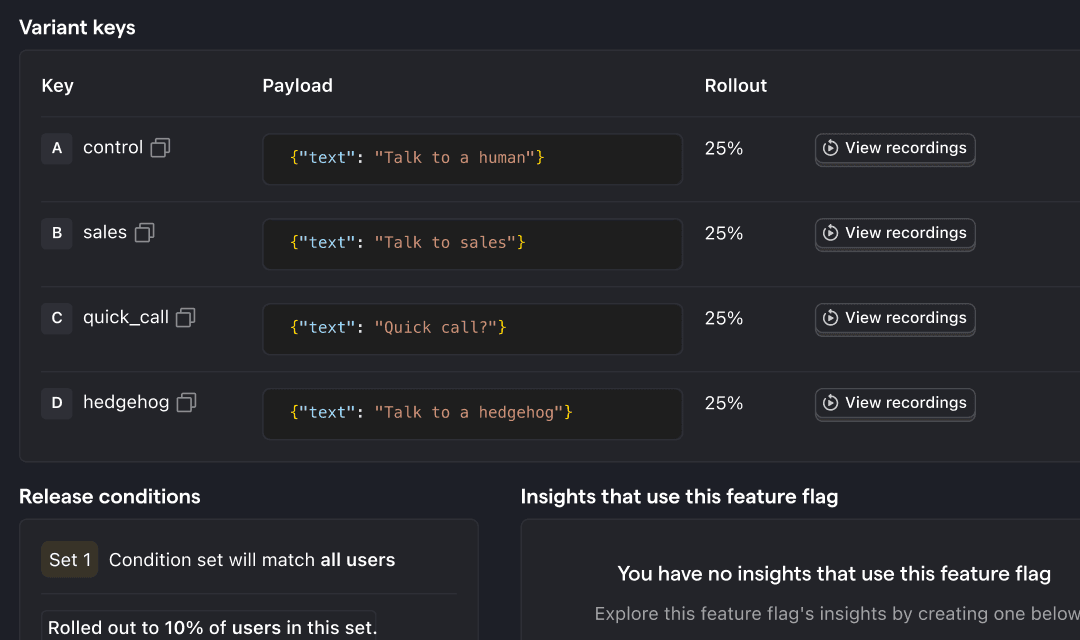

Safely roll out features to specific users or groups
Feature Flags is one of the tools that makes your product self-driving: the control layer agents use to roll a change out and roll it back. Built to work natively with product analytics, session replay, experiments, and surveys.
Install with AI in a single prompt
Paste into your terminal or code editor and make AI do the work.
What does it do?
Feature Flags let you turn features on or off for specific users, groups, or percentages of traffic without redeploying code. Create a flag, check it in your app, then control who sees what from PostHog – phased rollouts, kill switches, multivariate variants, JSON payloads, and beta opt-ins. When something breaks, flip it off. When it works, roll it out wider and measure the impact in analytics and session replay.
Who is it for?
Feature Flags is used across teams depending on your role.

How do I use it?
There are a few ways to explore Feature Flags.
Manage flags from your editor
Create flags, configure targeting rules, and check rollout status from Cursor, Claude Code, VS Code, or any MCP-compatible agent.
Top features
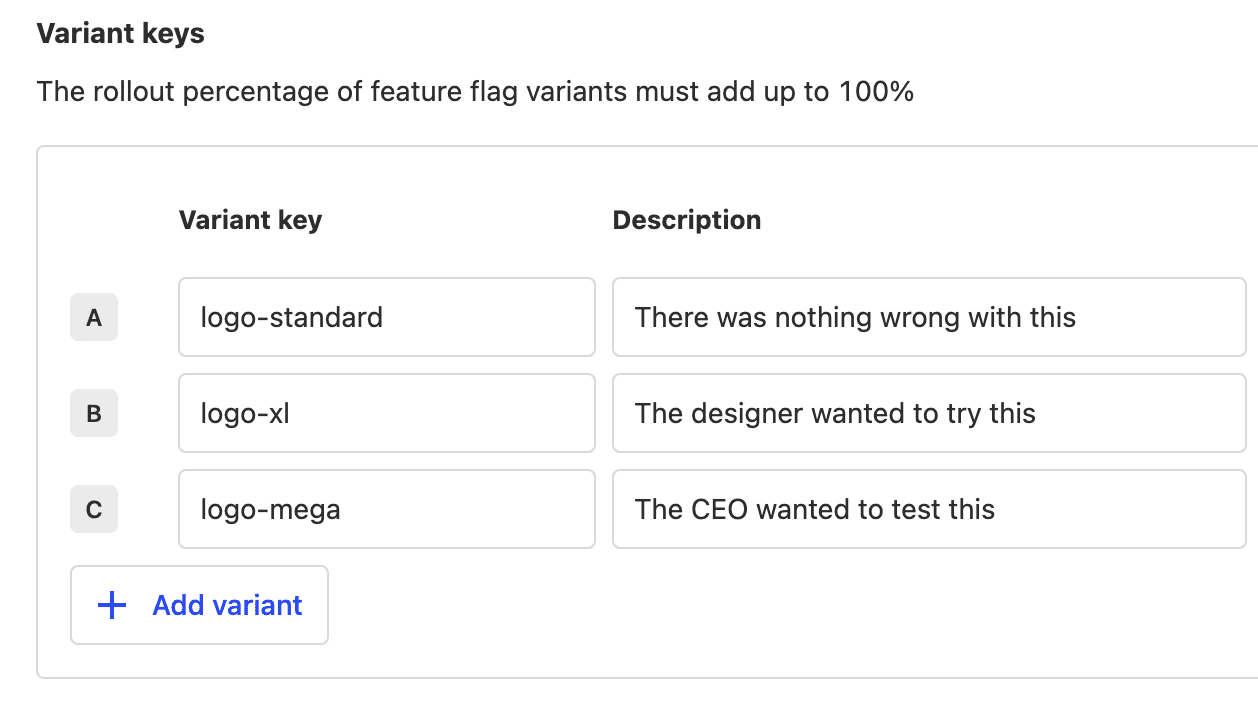
Boolean & multivariate feature flags
Test or release different versions of a feature with as many variants as you need.
AI prompts
Ask PostHog AI to create flags, explain targeting, and clean up stale ones. Works in PostHog AI (in-app chat), PostHog Desktop (our AI code editor), and in your product editor (using the MCP). Already signed in? Click a prompt to try it.
Createcreate-feature-flag
Updateupdate-feature-flag
Inspectfeature-flag-get-definition
Test evaluationfeature-flags-test-evaluation-create
Blast radiusfeature-flags-user-blast-radius-create
Clean upfeature-flags-status-retrieve
Schedule changesscheduled-changes-create
Install
SDKs for web, mobile, and backend – or evaluate flags over the API.
Web frameworks
Popular



All




















Feature comparison
Questions?
Answers
There are a few ways you can get answers to specific questions about Feature Flags.
- Check the docs
We have an entire docs-wizard dedicated to docs gardening.
- Search the community forums
With over 100 discussions about Feature Flags, there's a good chance your answer is already answered!
- Ask PostHog AI
It's an incredibly useful AI chat that understands the product, docs, community questions, our codebase, GitHub issues, and industry knowledge.
- Talk to a human
Dedicated humans are standing by and ready to assist. Best for questions about volume pricing, terms, and sexy legal stuff.

Works with other PostHog tools
Use Feature Flags with these other PostHog apps to maximize shareholder value.
Get started – free
No credit card required. You get the first 1,000,000 requests free every month, then pricing starts at $0.0001/request and reduces with volume.